Hi Everyone,
Today I’d share some cool ways to retrieve device information from Intune using GraphApi 📚
Sometimes when we need to delete devices from Intune we should keep in mind we need to search by Serial Number to avoid issues with duplicated names, duplicated device
A serial number can be used to search the device in Intune
- Windows => Windows – Microsoft Intune admin center
- macOs => macOS – Microsoft Intune admin center
- All Devices = > Devices – Microsoft Intune admin center
- Windows autopilot devices (for Windows only) => Windows Autopilot devices – Microsoft Intune admin center
Script 1 – how to retrieve Windows device serial number (PowerShell script)
Script 2 – how to retrieve macOS device serial number
- Shell Script 2 – Shell script 🍎
- ScreenShots
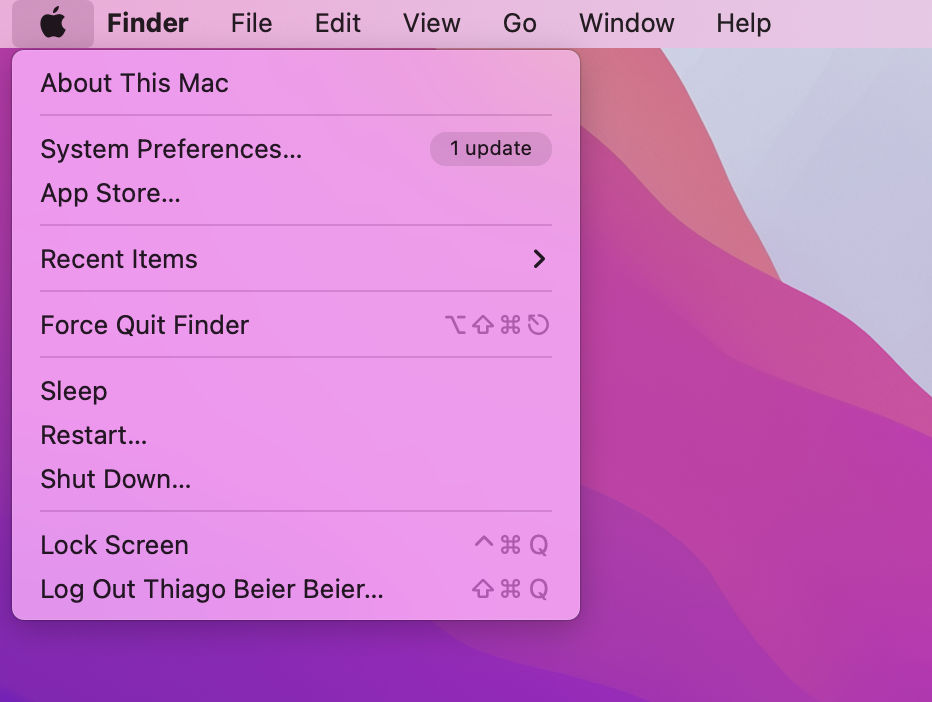
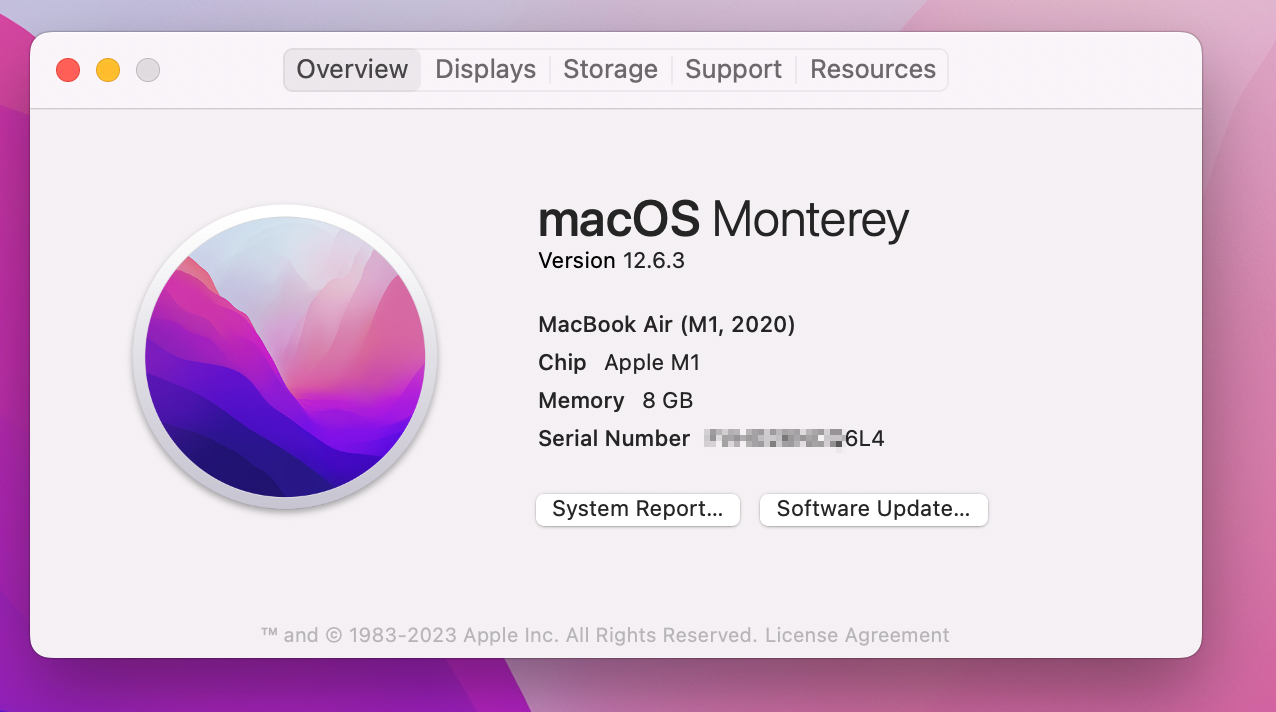
Steps
How to search for the device in Intune ( download script from here – same for Windows, and macOS devices )
$Serial = read-host “Please Enter the Serial Number”
$MyDevice = Get-IntuneManagedDevice | Get-MSGraphAllPages | Where-Object {$_.SerialNumber -match $Serial}
$MyDevice
where $Serial, you gonna enter the device serial number to be investigated (Windows or macOS)
Cheers,
Thiago Beier
Toronto, CA
Originally published at thebeier.com