Hi again
📢 Updated: 7/18/2023 – PowerShell Script “Invoke-RestMethod”
In order to monitor Device Hash Import (into Windows Autopilot devices) using Microsoft Teams Channel we’d need a Microsoft Teams Webhook Notification
Requirements
- Microsoft Team on Teams
- A Channel under Contoso Team named “Intune Enrollment”
- A webhook connector named Autopilot ( URL )
- Knowledge of HTML to customize the table sent to the Teams Channel
- PowerShell function with all required variables to be sent as part of the notification
Steps – Part 1 – Configure the Webhook
Go to your main Team on Teams, select the Channel, click on the ellipsis (…), and select connectors
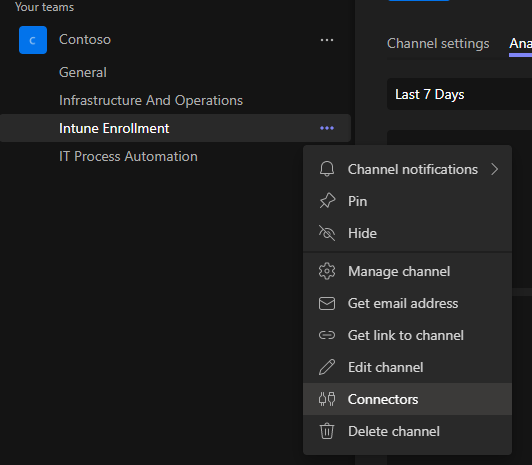
under Connector for ‘Your Tenant’ scroll down and select Incoming Webhook
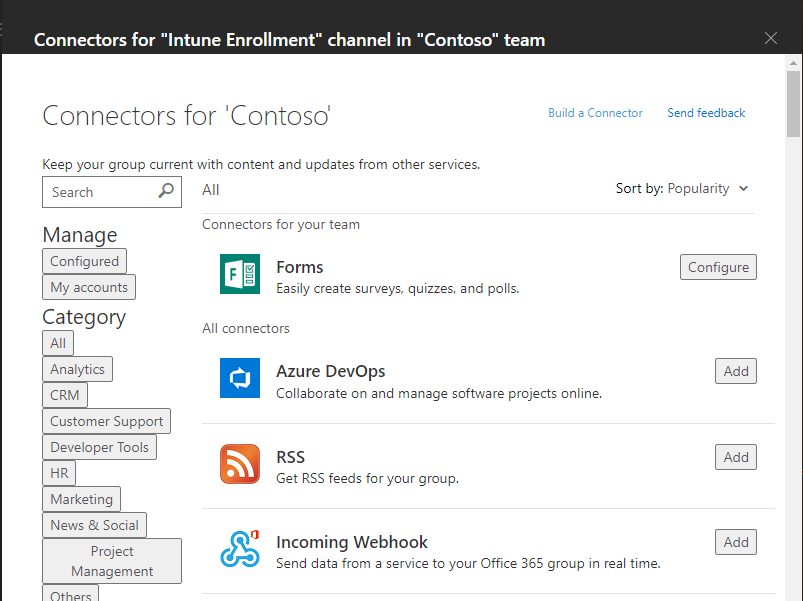
on the next screen, select Add
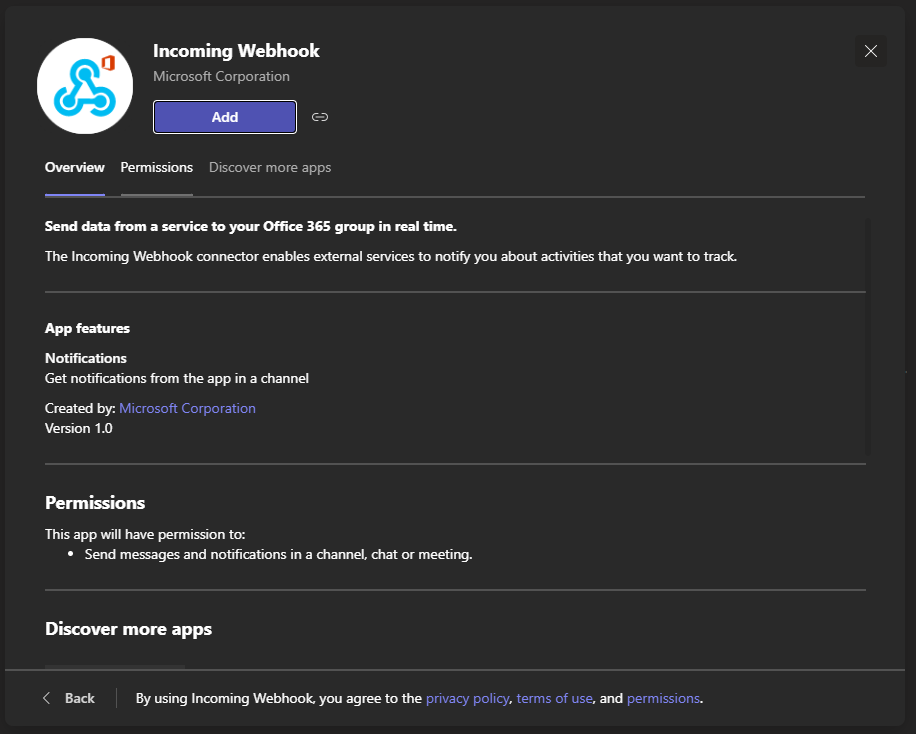
Then you should receive the following screen to configure the Incoming Webhook and click Configure to proceed
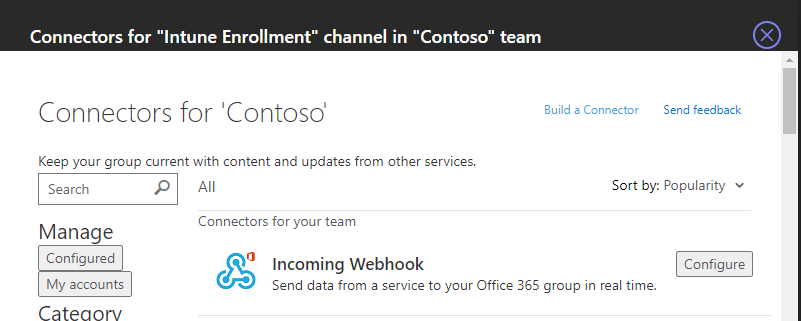
Now you’re at the main screen:
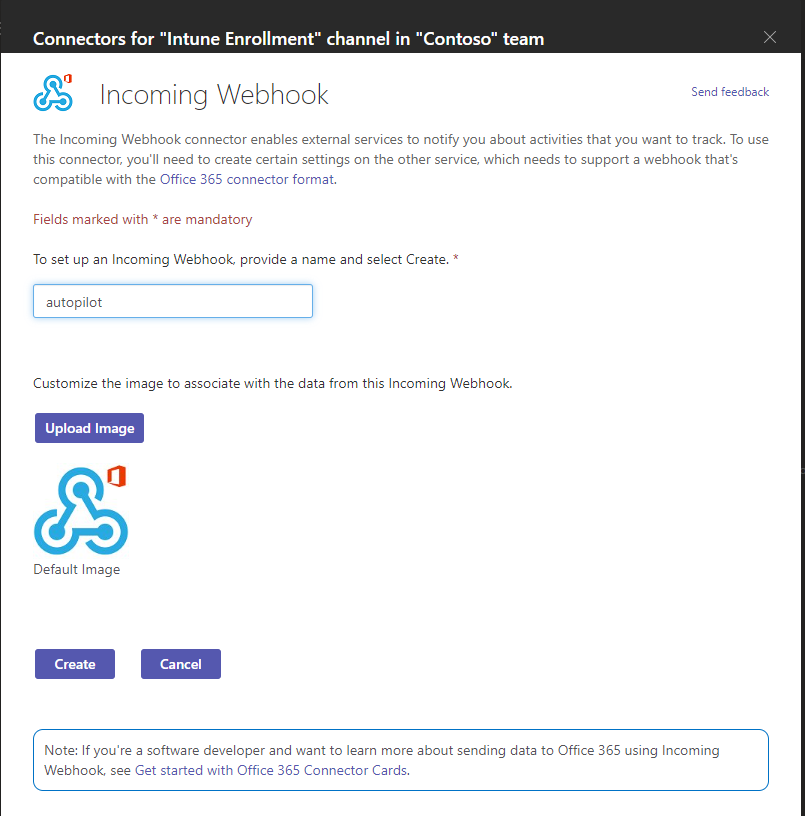
- give it a name:
- upload an image: (not required)
- then click create
after a few seconds, you should get an URL (copy it to notepad) then click done
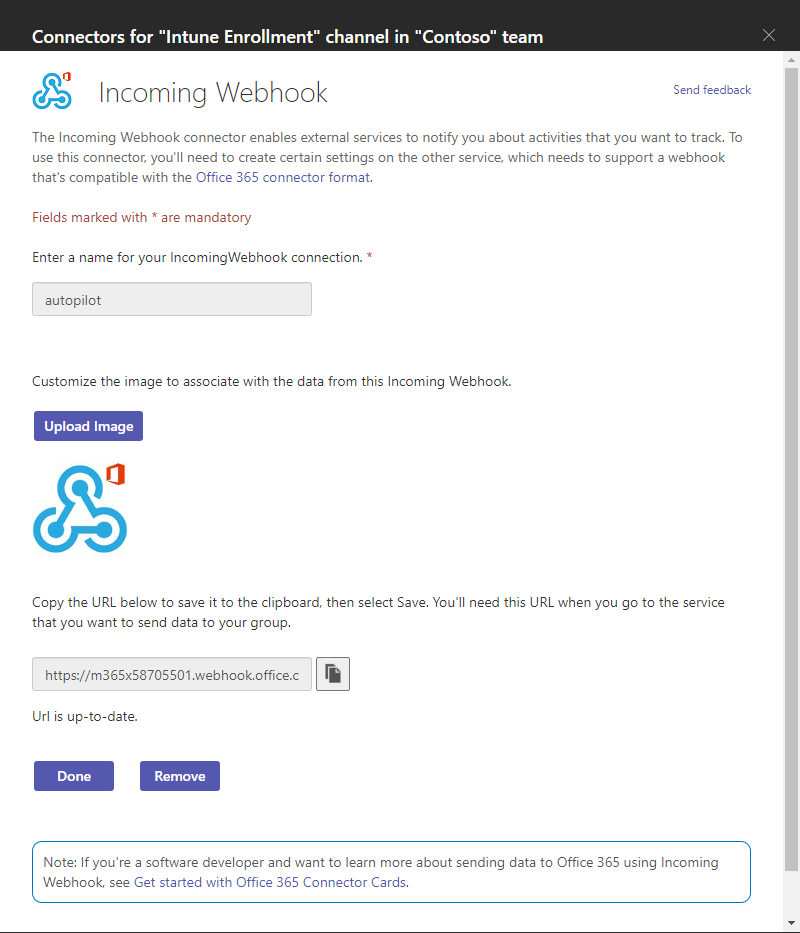
After you click Done
You’ll be redirected to the main screen
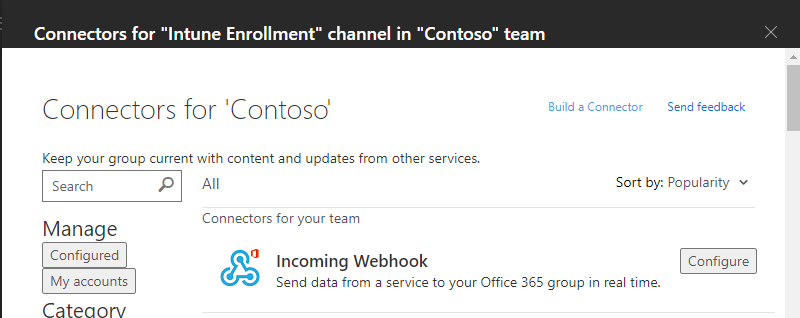
Click “X” to close
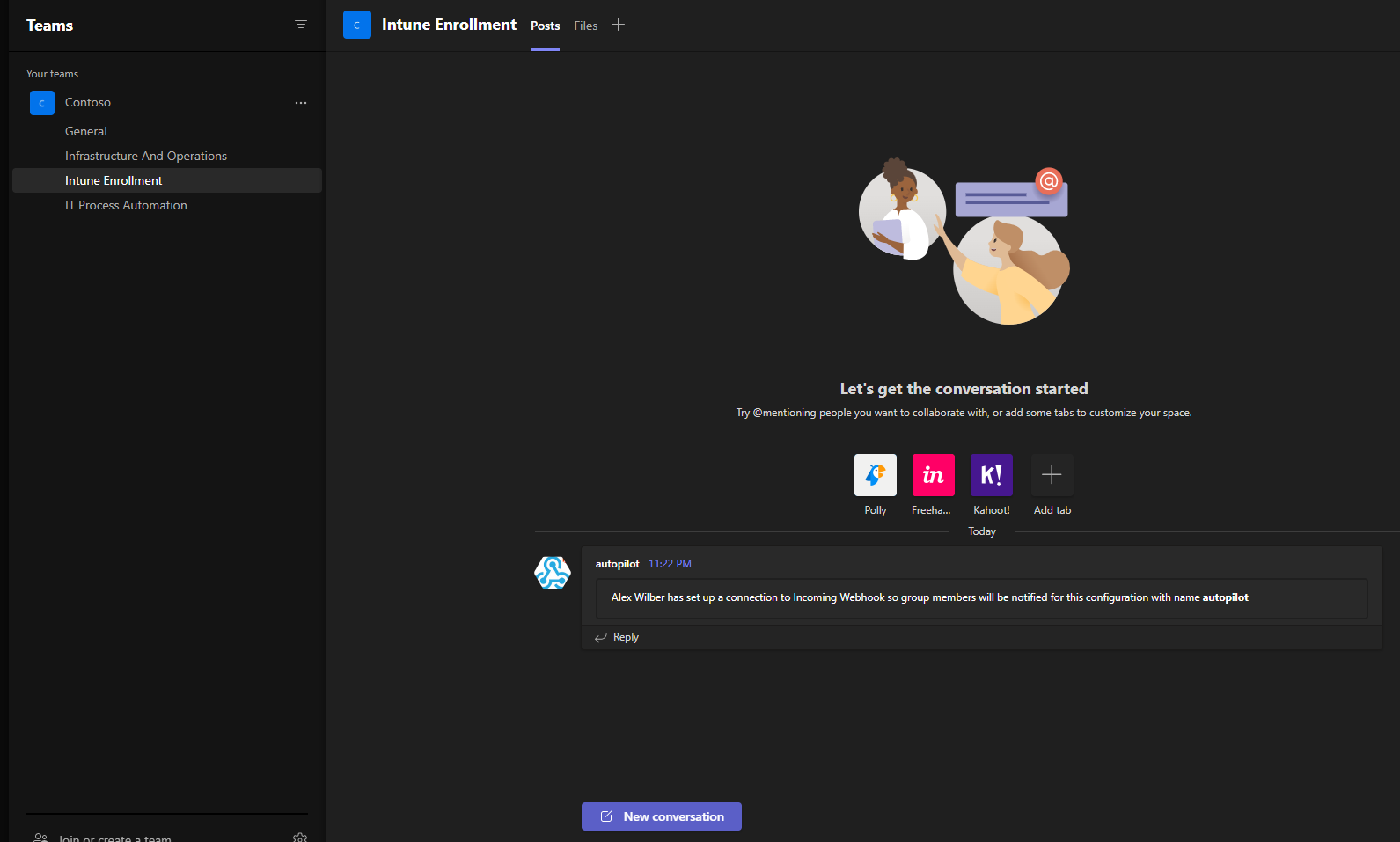
Notes: A little bit about the HTML
HTML code of the PowerShell used to send a message to the Intune Enrollment Channel
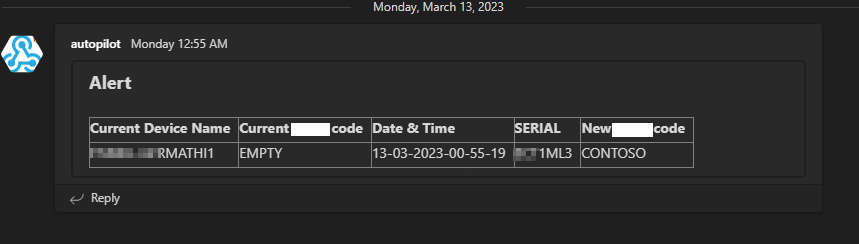
| Current Device Name | Current Location code | Date & Time | SERIAL | New Location code |
|---|---|---|---|---|
| $env:COMPUTERNAME | $($tmp.grouptag) | $dt | $serial | $groupTag |
Are you wondering how to test the HTML code?
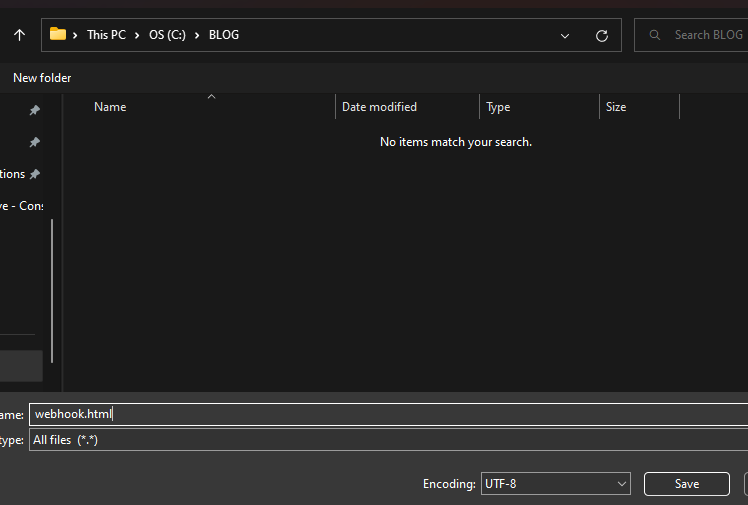
Save the code on notepad++ (or your preferred text or code editor)
I.e.: Webhook.html

Open it on your default browser
Where the Current Location Code is the current Group Tag the device is associated with and the New Location code is the Group Tag to which the device is going to be assigned. Remember that if you need the Device Security group to catch all devices based on Group Tag you should use “OrderID” as your Dynamic Device Rule syntax.
Steps – Part 2 – Configure the Powershell
Now that you have the URL you’re good to proceed with this webhook to send notifications to the specific Teams Channel
I use this script as a function within other scripts such as:
- Intune upload hash to Windows Autopilot devices
To accomplish this use the following script
Full URL https://github.com/thiagobeier/Script/blob/master/Intune/Intune-Send-Teams-Notification.ps1 (v1.1)
Cheers,
Thiago Beier
Originally published at thebeier.com