← All posts
Hi there.
In this quick post, I’m demonstrating how to track for changes made against an Intune published App
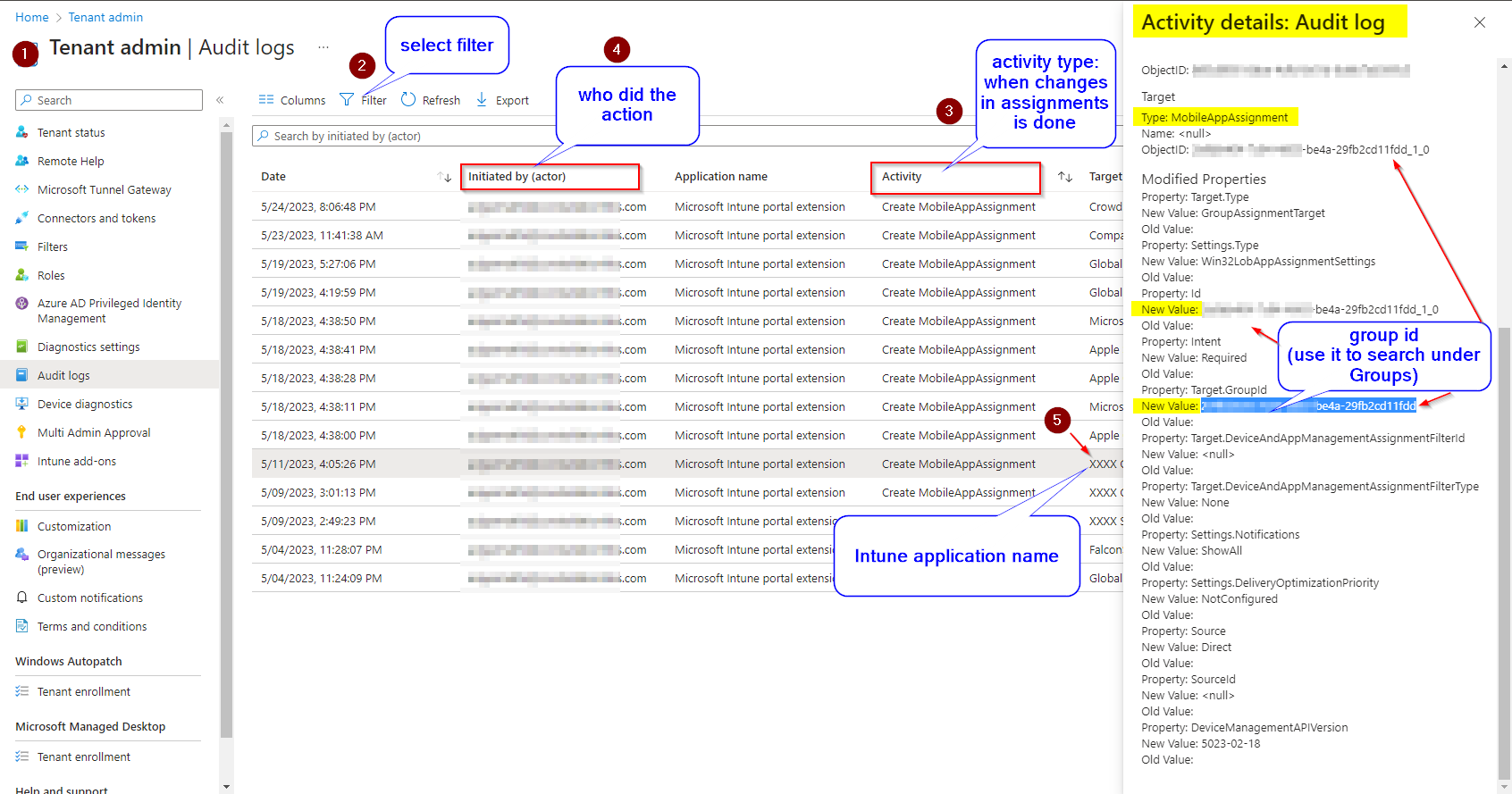
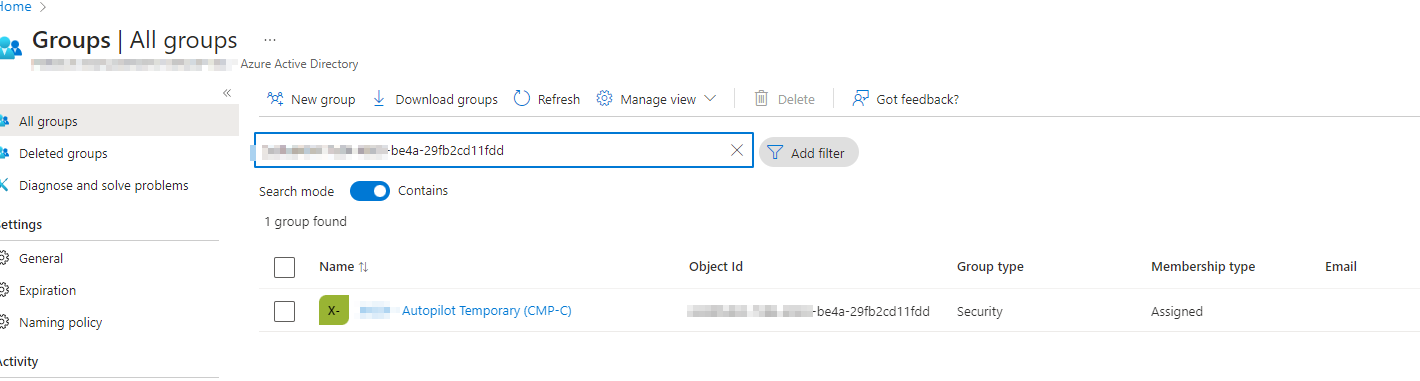
Change type: Added a group to assignments ( as required )
Steps
- go to Microsoft Intune admin center
- click on Tenant Administration
- then select Audit logs => or direct link Activity details: Audit log – Microsoft Intune admin center (1)
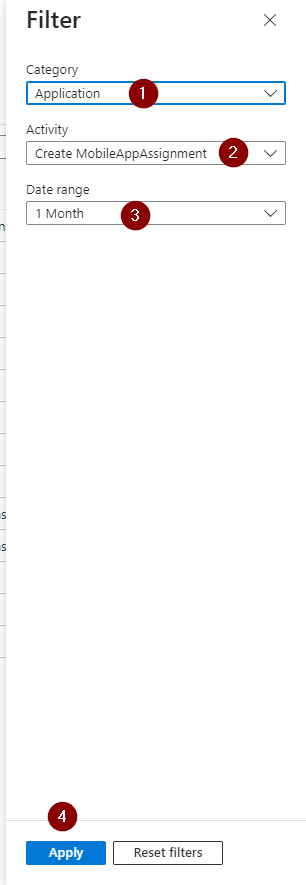
- select filter (2)
- then select Category: Application
- Activity: Create MobileAppAssignment
- Date range: 1 Month (screenshot), other options: 24 hours, 7 days, 1 month, 3 months, 6 months, 1 year
- click apply and go back to the previous screen (audit logs)
- now check Initiated by (actor) – (4)
- who did the action
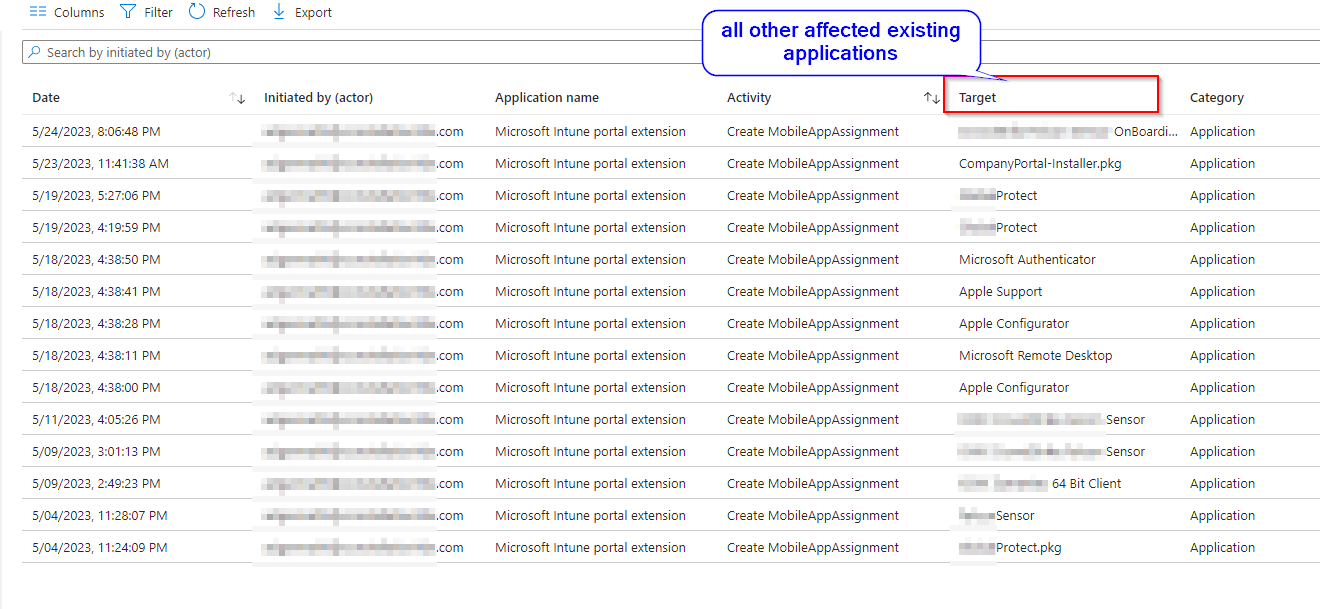
- also check Target, if you need to investigate more than one application
- click Export to save a CSV file
Screenshots
I hope you liked it.
Thiago Beier
Toronto, Canada
Originally published at thebeier.com