Welcome to this 2 part posts about Windows Autopilot deployment profiles (WAP)
In this post, I’m covering the Hybrid Azure AD Joined (HAADJ) Windows Autopilot deployment profiles.
Before we get into its setup let’s have a look at its PROs and CONs as follows (my opinion based on projects delivered)
- PROS
- Local AD (ADDS) is the source of truth for User and Device Objects only
- Central management
- CONS
- rely on keeping devices able to reach out to Corporate networks through VPN when it comes to:
- User and device certificate management (PKI) through Azure Active Directory Certificate Services (ADCS)
- depending on your PKI infrastructure you need a lot of firewall rules management to keep it safe and clean
- Legacy LAPS (before this announcement)
- Group Policy Objects for:
- User and computer policies from local AD
- Intune auto-enrollment for AVD (WVD/VDI) and ADDS-enrolled devices
- Corporate and guest wireless profiles
- User and device certificate management (PKI) through Azure Active Directory Certificate Services (ADCS)
- rely on keeping devices able to reach out to Corporate networks through VPN when it comes to:
Hybrid Azure AD joined – Summary
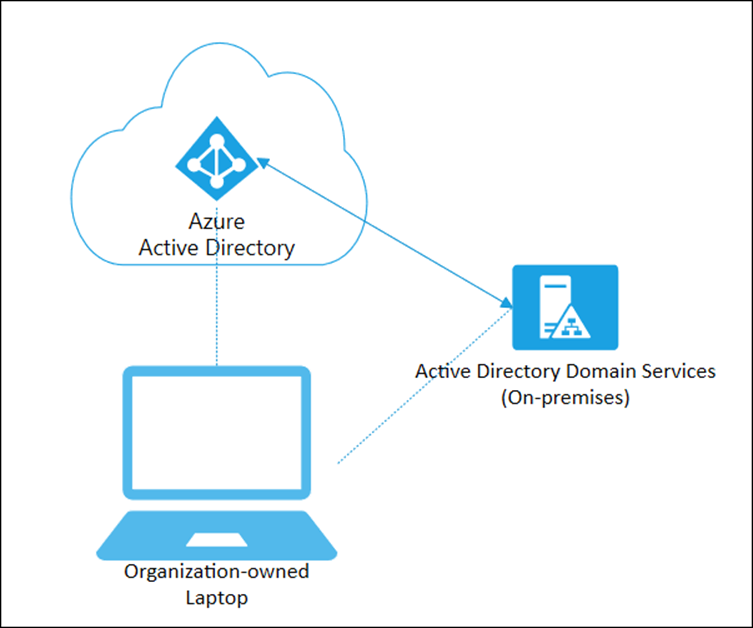
Initial Setup
Go to https://endpoint.microsoft.com
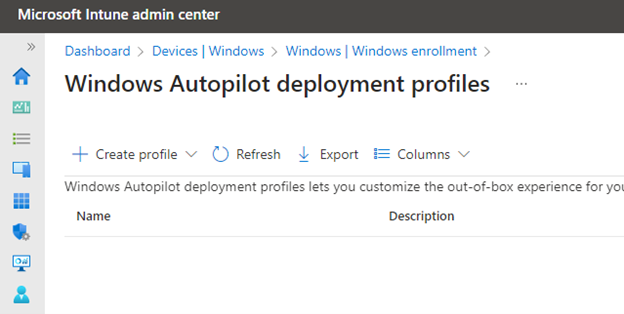
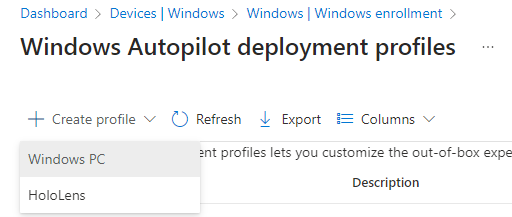
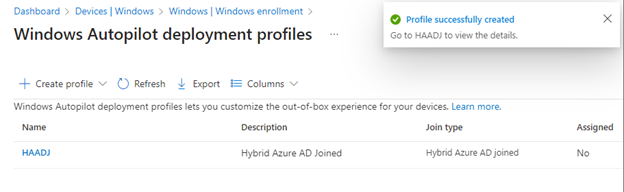
Click on “+ Create profile”
Select Windows PC
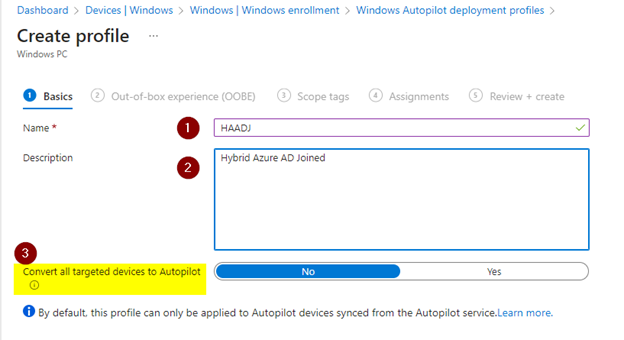
Under Basics
- give it a Name
- give it a Description
- Convert all targeted devices to Autopilot
click Next
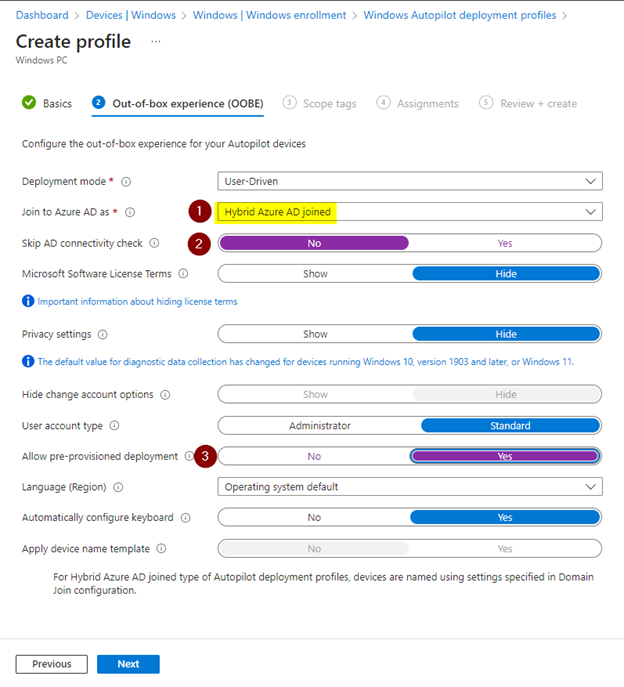
Under Out-of-box experience (OOBE)
- Join to Azure AD as: Hybrid Azure AD joined
- skip AD connectivity check: Yes (screen is incorrect, sorry about that)
- allow pre-provisioned deployment: Yes
click Next
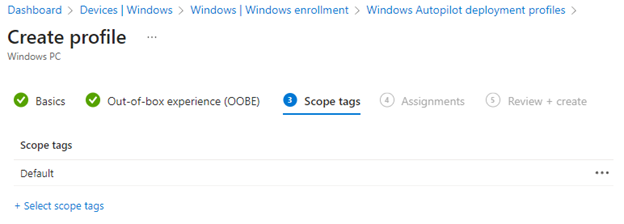
Under Scope Tags
- leave default
click Next
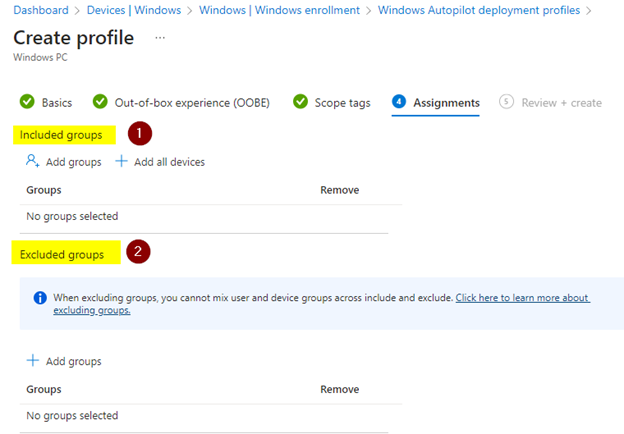
Under Assignments
- included groups: add the “dynamic device for all autopilot devices” targeted in this deployment
- excluded groups:
click Next
under “Review + create”
- select Create
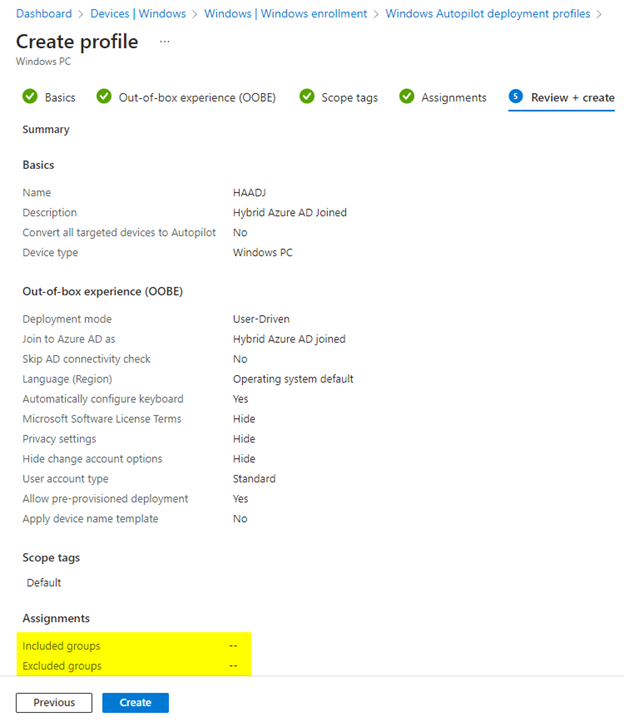
wait until profile is created
More info
If you’d like to see other inputs around PROS and CONS please check these posts
Cheers,
Thiago Beier
Canada,ON
Originally published at thebeier.com